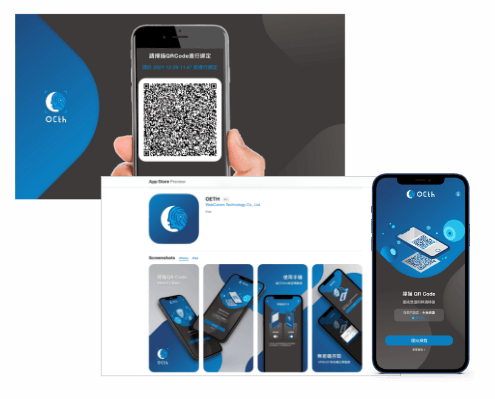




OETH Cloud Identity Solution
Enhance Corporate's Cybersecurity: Experience the Future of Passwordless Remote Login
Implement Webcomm OETH cloud identity platform to build up passwordless strong authentication to login PC, VPN/VDI and internal systems of enterprise. In addition to that, OETH provides seamless integration with the software/applications which supports SAML or OIDC protocol, and provides an authentication mobile app with secured and user-friendly biometric authentication process.
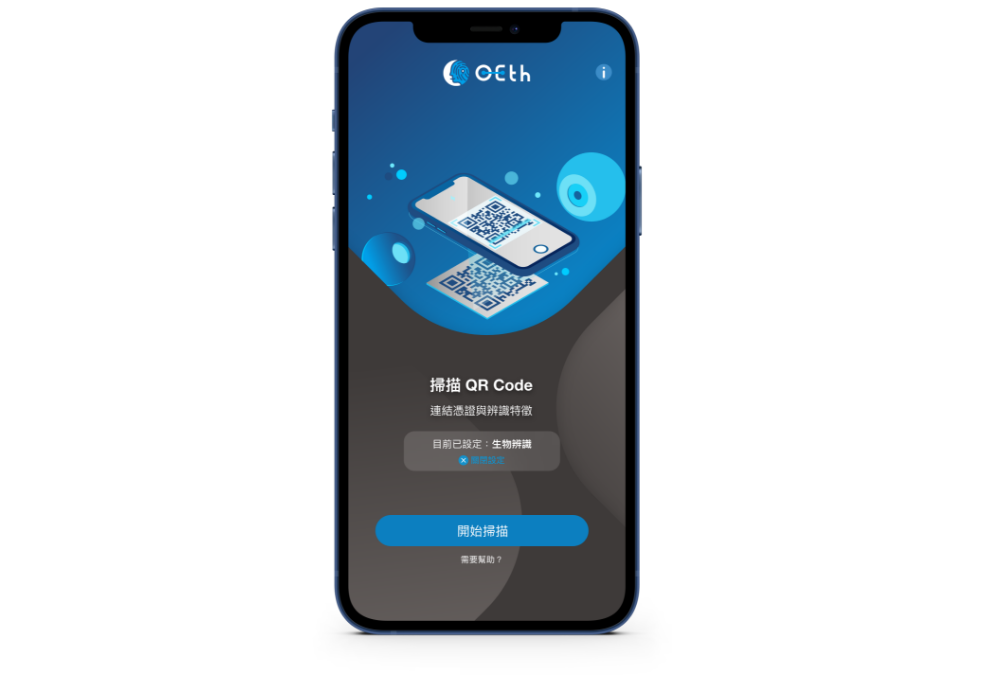
APP software installation
End-user devices that can be installed", which includes "computers, smartphones, tablets, and laptops.
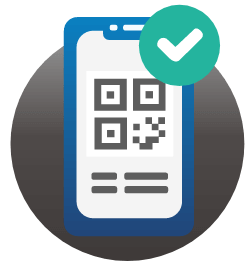
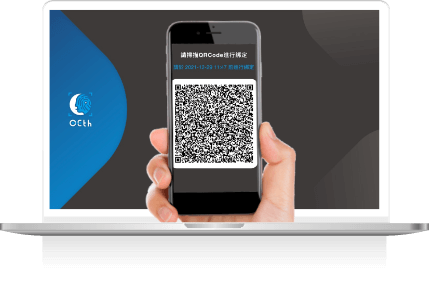
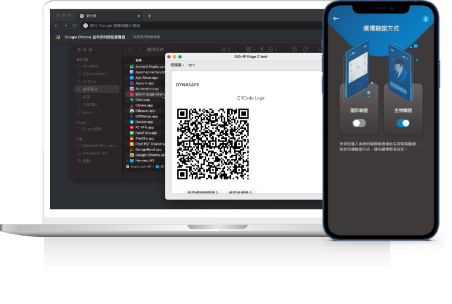
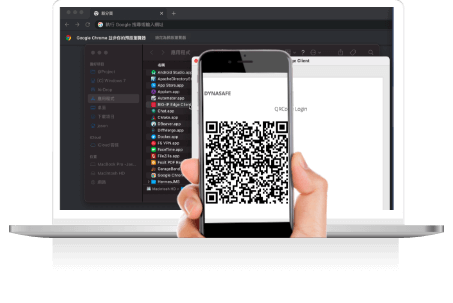
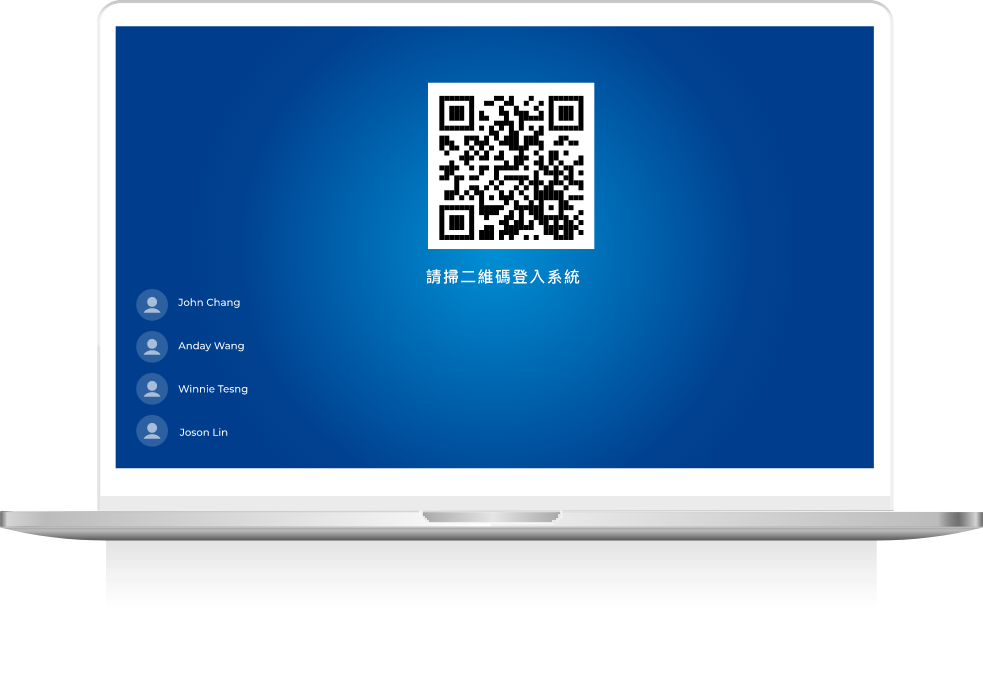
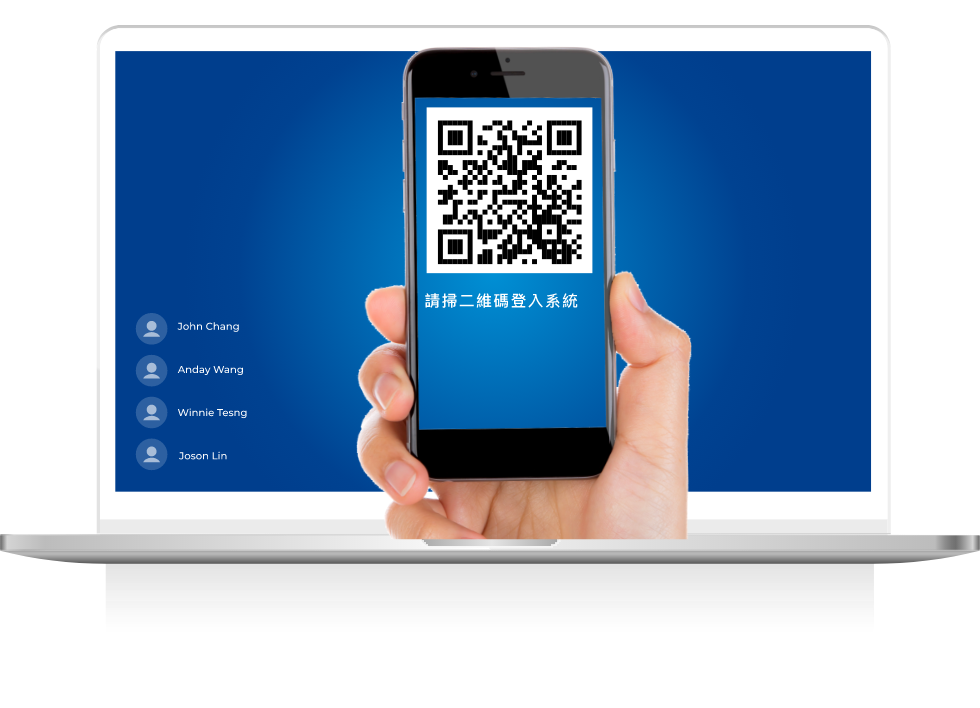
Scan the QR code to log in
Scan the QR code to log in without a password and enjoy cross-platform access.
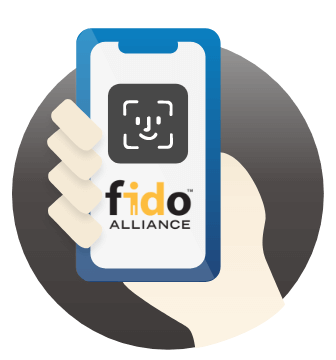
Using FIDO technology
Authenticated with user devices using public key encryption and biometric identification.
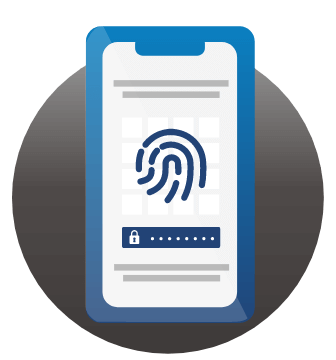
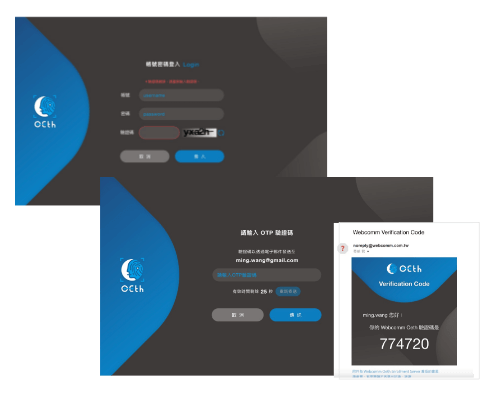
Integration of multi-factor authentication
Having multi-factor authentication without changing user experience.

Security authentication mechanism.
The independent certification channel located at the user platform login entrance can prevent hackers and phishing interceptions.
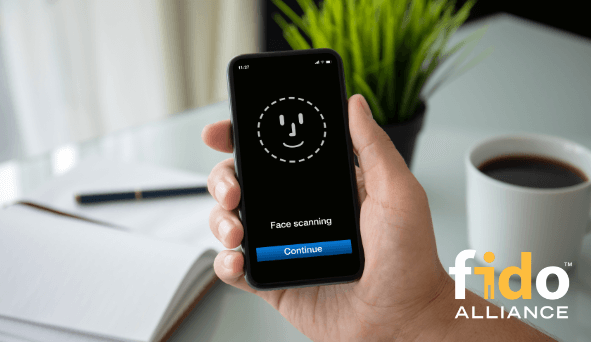
Having FIDO international identity certification with high security strength.
An identity authentication mechanism that complies with international standards and has passed FIDO Alliance certification.
Adopting FIDO standards: QR code login, device binding integration, and biometric authentication as a passwordless single sign-on method.
Users who work remotely and across platforms can use OETH’s FIDO features to authenticate their identity through a separate platform, using mobile public key authentication signature features. This helps prevent attacks such as man-in-the-middle and phishing, which could lead to data leaks for businesses.
Cross-platform, browser, and system compatibility that meets the flexible identity authentication needs of enterprises.
OETH offers high security and high flexibility for single sign-on and can help reduce the cost of integrating cross-platform authentication for enterprises.
By using the OETH app cloud service and integrating it with the chosen platforms, cross-platform identity verification can be easily achieved.
Using OETH APP’s QR-Code login mechanism, users can securely authenticate their login without being restricted by various browsers.
Three simple steps to import SaaS service.
Apply, install, and download to establish your cybersecurity protection circle now.
Download OETH APP, Authenticate identity by scanning QR code,Brand new experience!
STEP.1
STEP.2
Installing the OETH Enroll
Agent within the enterprise. Integrate with the existing account system.
STEP.3
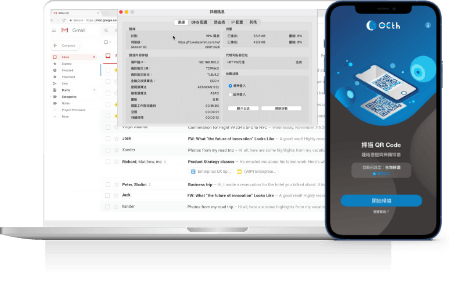
Users download the OETH App.
Scan the QR Code to enable passwordless authentication.
No page redirects needed! WebComm one-click authorization process makes applying fast and easy!
Enterprise Resource System (ERS)
Web Application System
Virtual Desktop Infrastructure (VDI)
Remote Desktop Connection
Cloud-based enterprise collaboration tool
Cloud authentication service
Virtual Private Network(VPN)
Single Sign-On System
Internal/External Authentication System Process
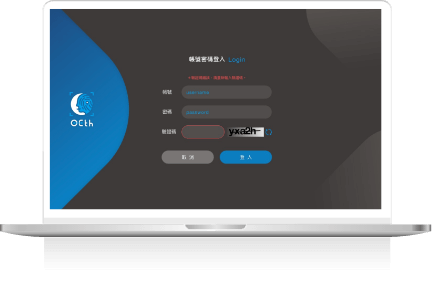
Access OETH for login management
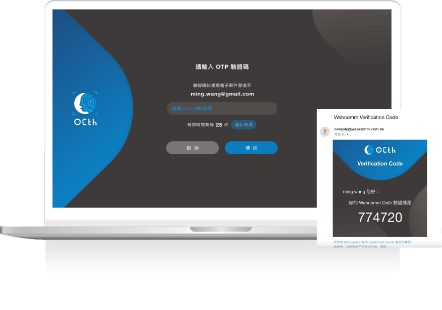
Send Binding information of FIDO App mobile device to the designated recipient by email.
Binding by QR code scan
Login to internal/external system
Remote Work VPN & VDI
System installation, and generate OR-Code
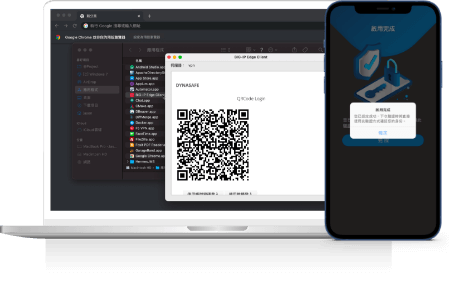
Start OETH authentication by QR-Code scanning
Authentication Completed
Connect VPN/VDI to access to corporate's system
Passwordless login Windows/Linux
QR-Code (Before OS login)
Start OETH authentication by QR-Code scanning
Scan QR-Code
Login to Windows/Linux OS
Integration with major original manufacturers Complete compatibility with various kinds of firewalls, VPN, or VDI
Professional Assistance
Our WebComm specialists will provide you with detailed explanations of solutions and related industry experience.
+886-2-7701-5899
Headquarters 3F., No. 161, Sec. 5, Nanjing E. Rd., Songshan Dist., Taipei City 105409 , Taiwan (R.O.C.)
偉康科技股份有限公司 版權所有 © 2026 WebComm Technology Co., Ltd. All Rights Reserved.
privacy policy